Tech Tuesday – August 29: Automated Meeting Notes in a Google Calendar Invite and Moving Images in MiPacs from One Patient to a Different Patient
TechTuesday
A weekly tip email from your neighborhood Instructional Technology and eHR team.
Tip #1 – You recognize this screen, probably from using Google Calendar, or from our past Tech Tuesday tips (available here).
This is the screen shown when creating a Google Calendar event. Google has made some innovative changes to the entire Google Suite that help tie everything together and this tip focuses on one of those.
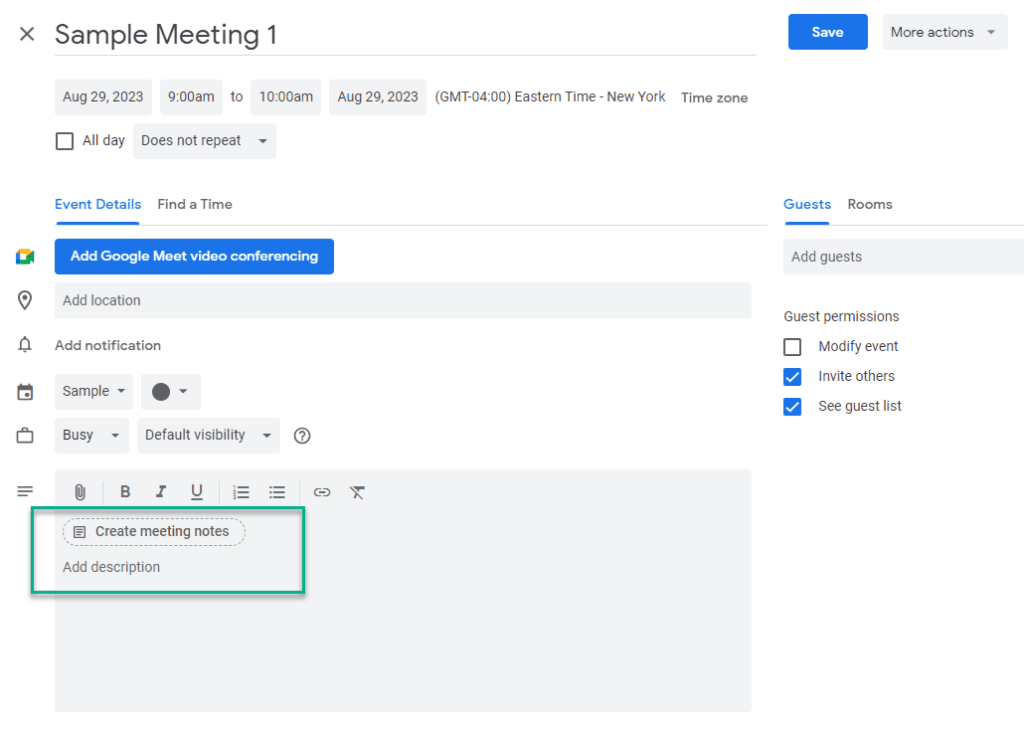
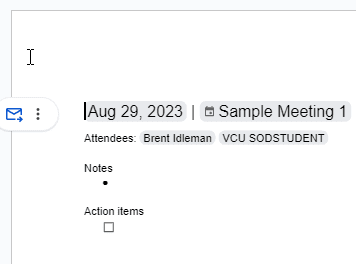
When creating an event, you can automatically create meeting notes with tags, dates, and attendees by clicking “Create meeting notes” in the event description. Once you save the event, you will have a Google Doc created with a meeting notes template that is already shared with those on the invite.
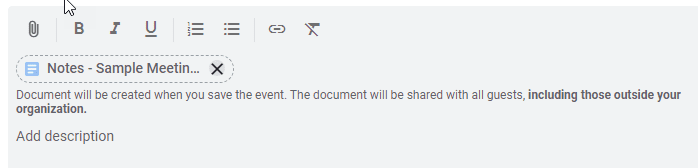
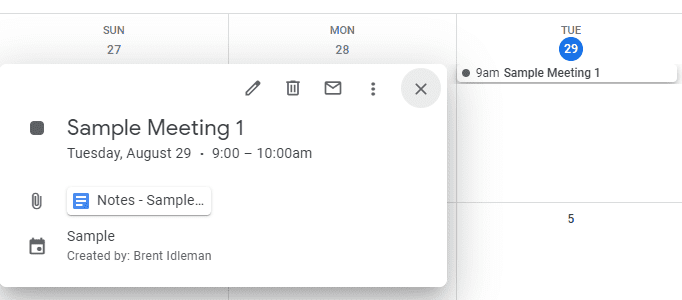
My favorite part is the automatically created “Action items” at the bottom. More on that next week!
Tip #2 – We sometimes get requests to move images from one patient to another because they were accidentally stored on the incorrect chart. What to do next depends on whether the series was approved or not.
If the series was already approved, submit a ticket so we can transfer the series to the correct patient.
If the series was NOT approved, you can actually move it yourself!
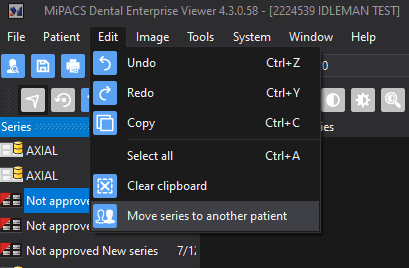
With the unapproved series highlighted>Edit>Move series to another patient
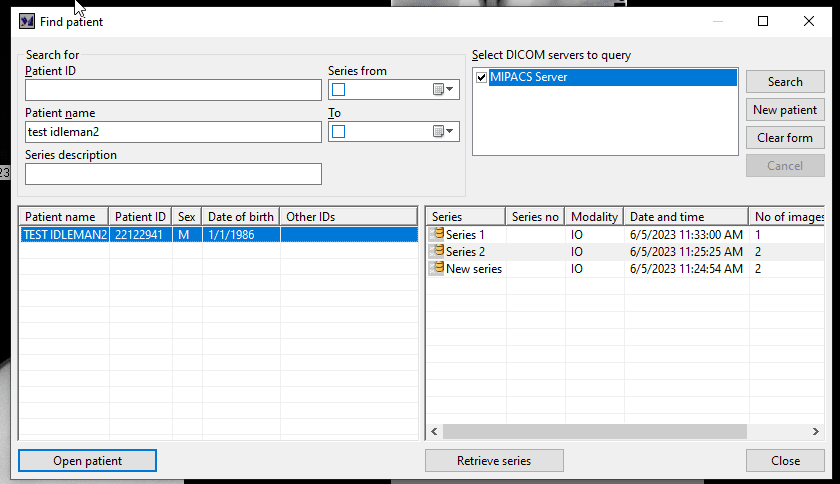
Search for the patient and double-click the name.
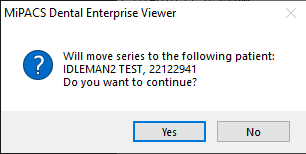
Click Yes