Tech Tuesday – December 12: Entering Grades in Banner and Chrome Themes
TechTuesday
A weekly tip email from your neighborhood Instructional Technology and eHR team.
Tip #1 – Course directors, your grades are almost due, so around this time we want to remind you that you can enter each grade student by student or use the import tool to enter all grades simultaneously. Both methods are described here. Unfortunately, we do not have access to Banner, so we cannot input grades, but we can assist you with the process if we are available. Thanks for everything you do, Course Directors!
Tip #2 – It’s the holidays and Buddy the Elf says “the best way to spread cheer is a holiday Chrome theme to be seen by those far and near.” Chrome themes can brighten up your day and give it a little personal touch. To see what’s available go to the theme store – Chrome Themes.
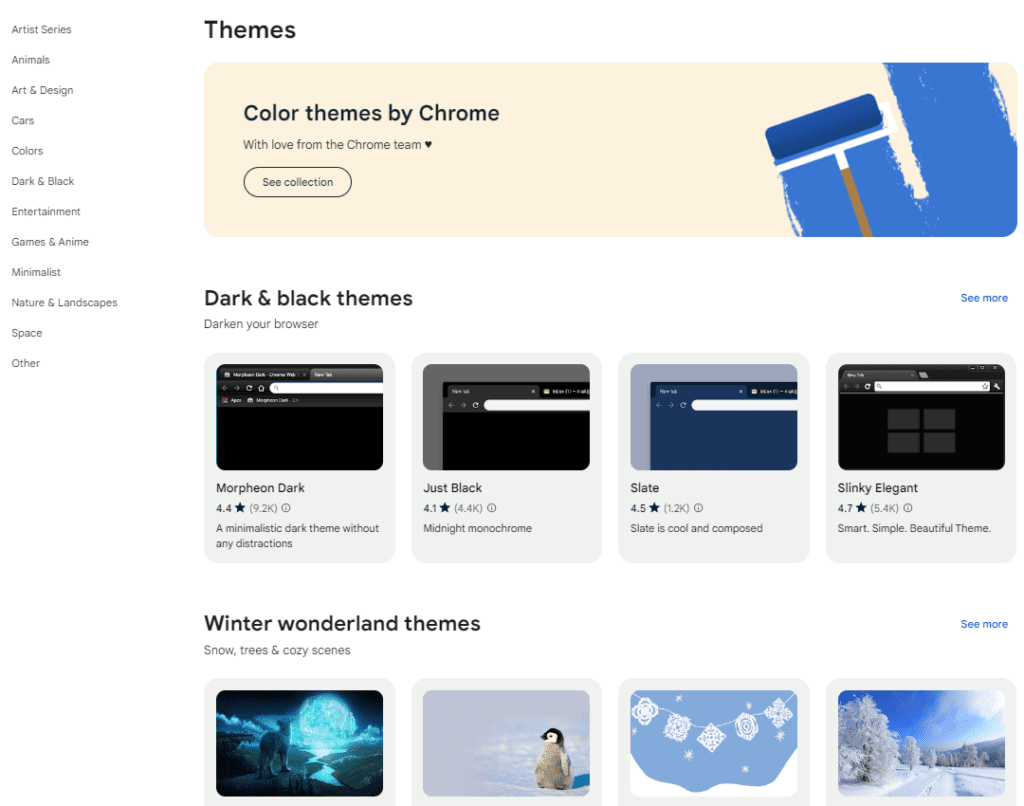
Select a theme>click Add to Chrome to see your theme applied