Tech Tuesday – October 10: Use Echo360 to Record Lectures and Preparing Guest Speakers for Success
TechTuesday
A weekly tip email from your neighborhood Instructional Technology and eHR team.
Tip #1 – We have an incredible video recording platform called Echo360. If you are creating video content for VCU School of Dentistry, please only use this video platform, not Kaltura. We cannot manage content on other platforms like Kaltura. You can use Echo360 to record on any computer with a microphone and camera or upload an already recorded video.
Go to Echo360.org
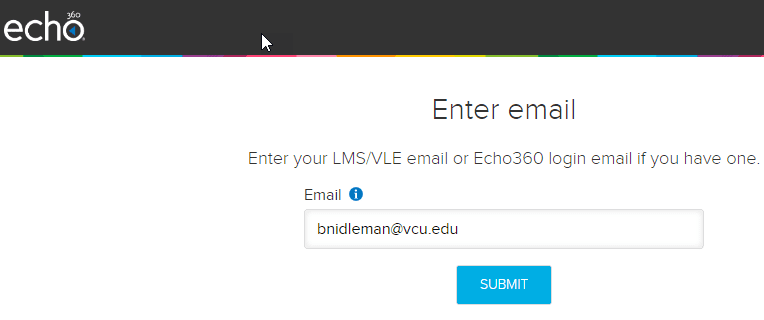
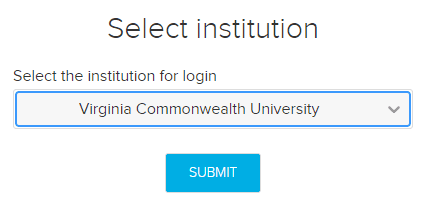
If asked, choose Virginia Commonwealth University.
At the top, click Create>choose your preferred method.
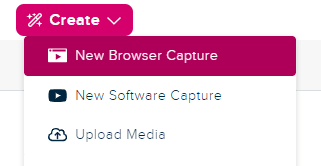
New Browser Capture starts recording right there in Chrome.
New Software Capture downloads and installs Echos local recording application.
Upload Media uploads a local video file.
Tip #2 – We love that you bring in speakers from outside VCU. Your students need diverse perspectives. Before your guest speakers arrive, ask what tech they have and what their tech needs are. Remember they don’t have VCU login capabilities so you will need to log into the computer for them. Are they using their own device? They will still need some method of connecting to the projector. Do they have an HDMI cord? Do they need an adapter for that HDMI cord? Do they need a clicker for their slides? Do you know how to instruct them to use our classroom technology? All good things to ask. On the day of their presentation, get to the class early to help them set up. This can prevent any tech issue from occurring right before they present. If you can’t figure something out, arriving early gives us time to diagnose and fix, which we are happy to do!
828-9352 or support.dentistry.vcu.edu
Categories Classroom Technology, Echo360