Tech Tuesday – March 28: REALGuide, importing patient images and adding E-mail attachments to your Google Drive
TechTuesday
A weekly tip email from your neighborhood Instructional Technology and eHR team.
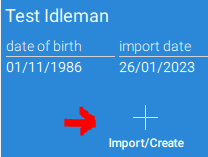
Tip #1 – Get real good at REALGuideWhen you’re ready to import images into a patient case, select “Import/Create.”
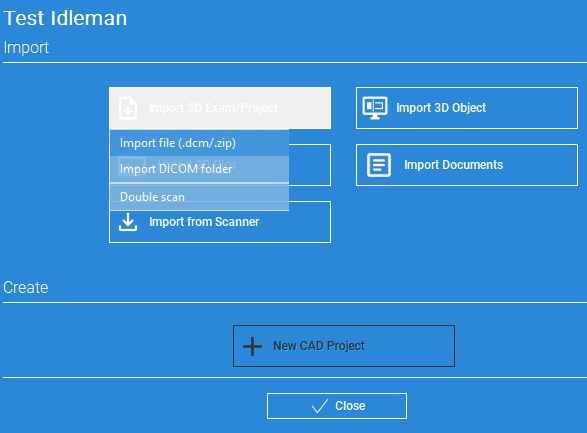
Choose the type of import: “File (.dcm/.zip)” is be used for individual DICOMs”DICOM folder” is used to import CBCTs with hundreds of DICOMs.
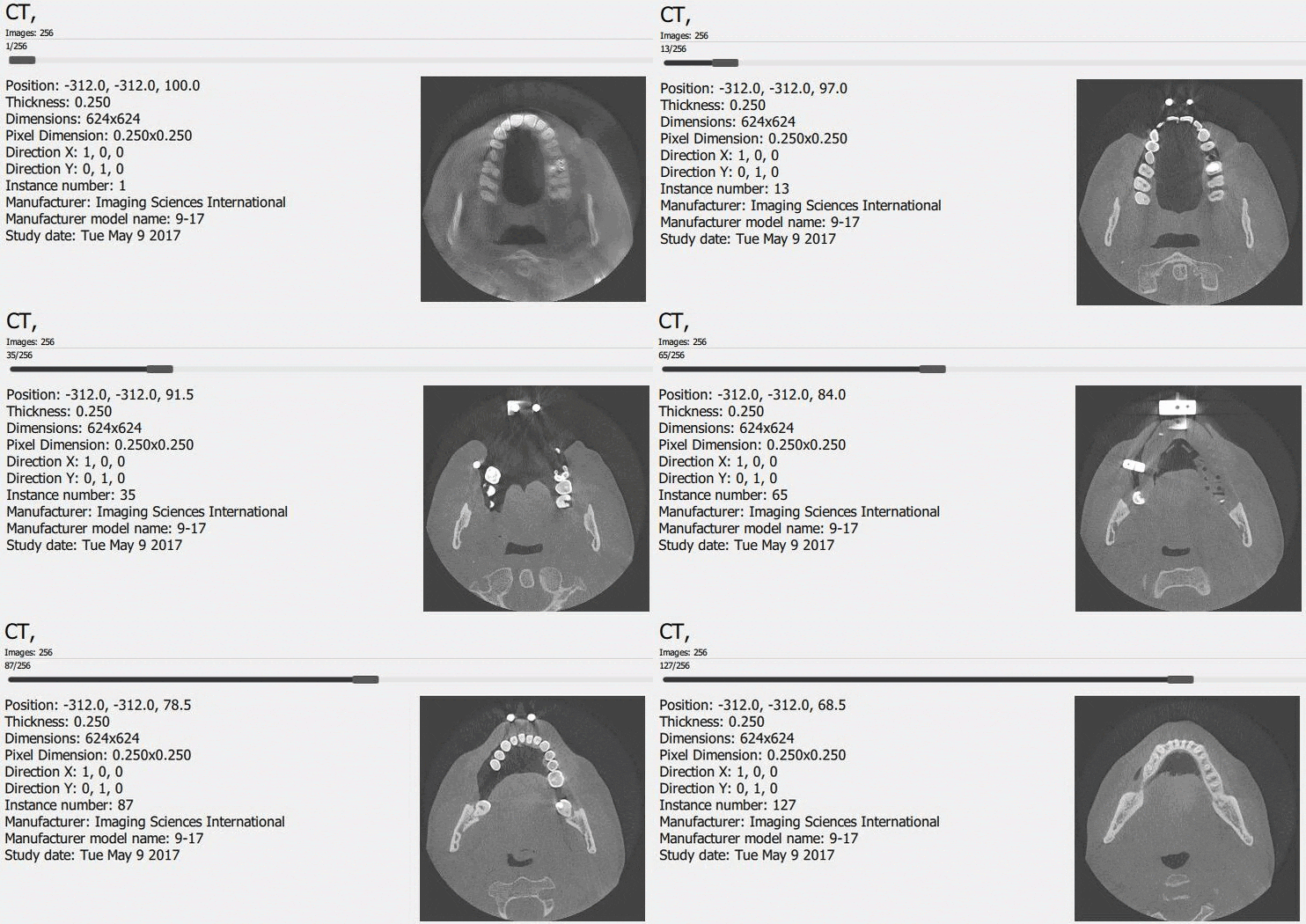
Once uploaded, you will see your CBCT and are ready to treatment plan!
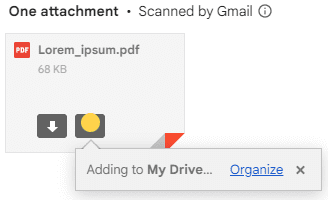
Tip #2 – When you receive attachments, you can easily copy them to your Google Drive directly from the email.
Hover over an attachment and click “Add to Drive.”
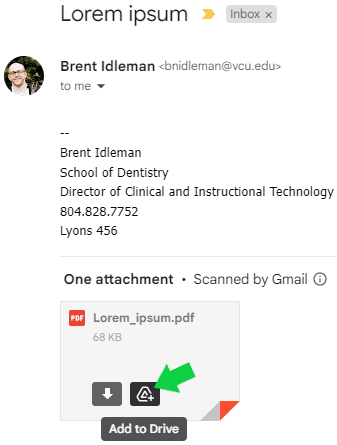
Clicking “Organize” will show a window in which you can specify where that file goes in your Drive.