Tech Tuesday – February 21: List of Appointments in Intiveo and Editing your Google Chrome Profile
TechTuesday
A weekly tip email from your neighborhood Instructional Technology and eHR team.
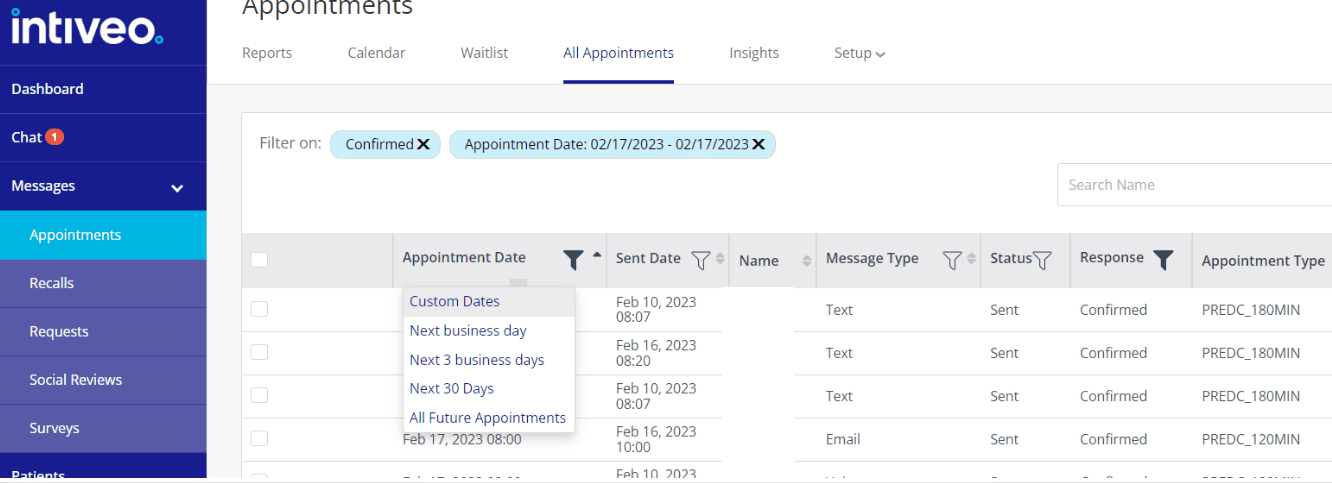
Tip #1 – Be a PRO at Intiveo! You can easily obtain a list of appointments using many parameters, like date, message type, patient response, and appointment type. Go to Messages>Appointments>All Appointments. Here, you can adjust any of the filters to get a list of appointments. Happy reporting!
Tip #2 – Chrome profiles allow you to keep passwords, bookmarks, and history under separate accounts. In an environment where we manage our own [email protected] accounts and multiple generic accounts, like [email protected], it can be very helpful to know how to customize and utilize this feature. Today, we will start with aesthetics.
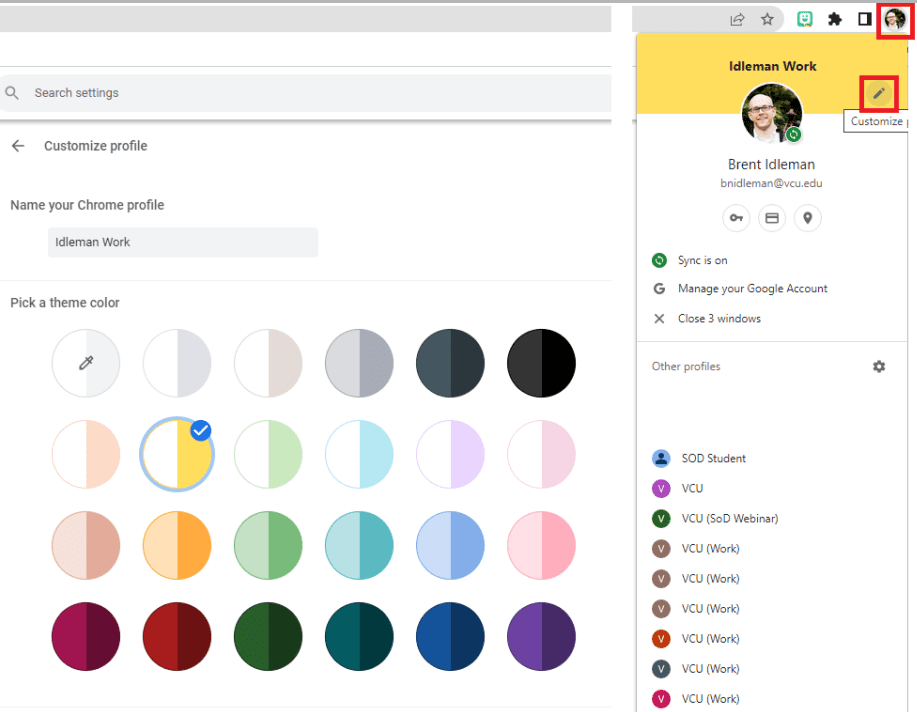
Click on your profile icon in the top-right>pencil (edit) icon.
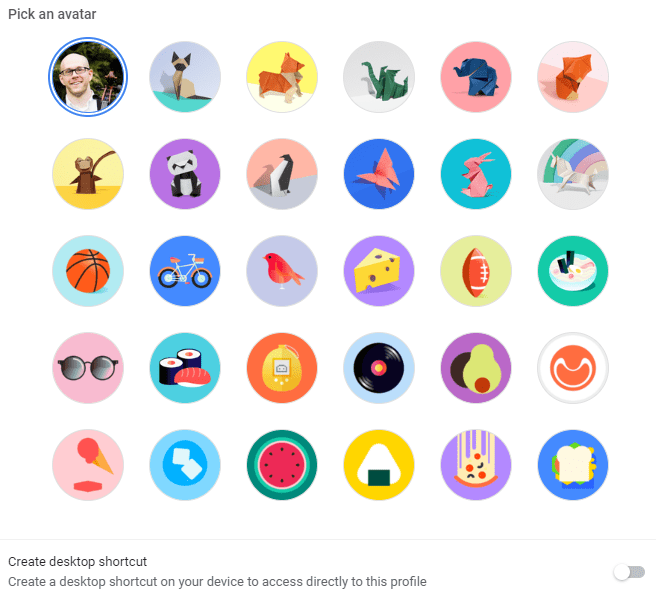
Here you can name that profile, choose your color scheme, and change your avatar. Go ahead…choose something fun!
What’s that you ask? What are all of those profiles listed and what is that “Create a desktop shortcut” toggle? We will get to those next week.