Tech Tuesday – January 17: Intiveo List of Unconfirmed Patients and Syncing Chrome Profiles
TechTuesday
A weekly tip email from your neighborhood Instructional Technology and eHR team.
Tip #1 – Be a PRO at Intiveo! Over the next couple weeks, we will remain in Intiveo land, discovering all sorts of tips.
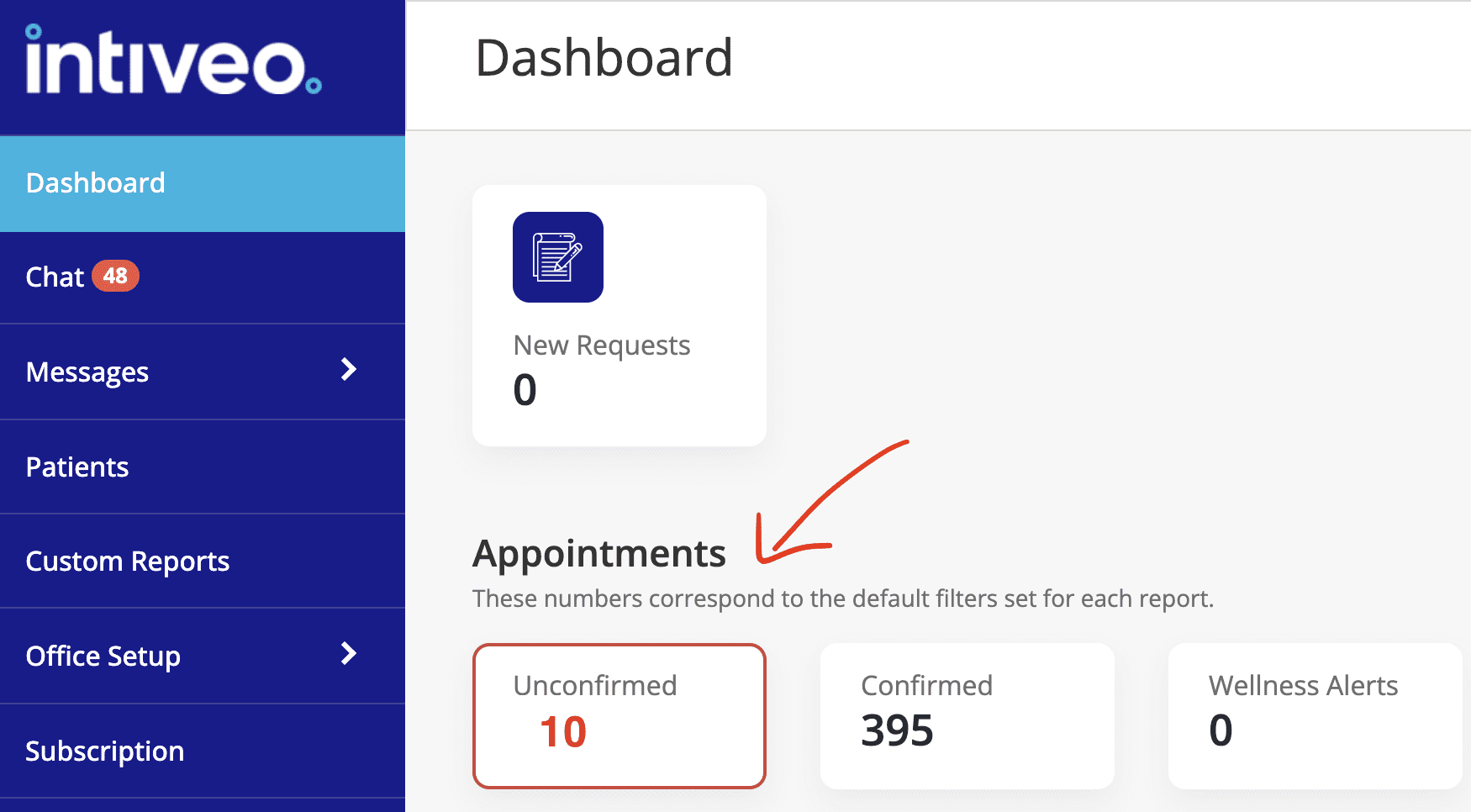
Today, let’s talk about that number; the number of unconfirmed patients. We need that number to decrease, right? It might be easier if you have a short list readily available of those unconfirmed patients.
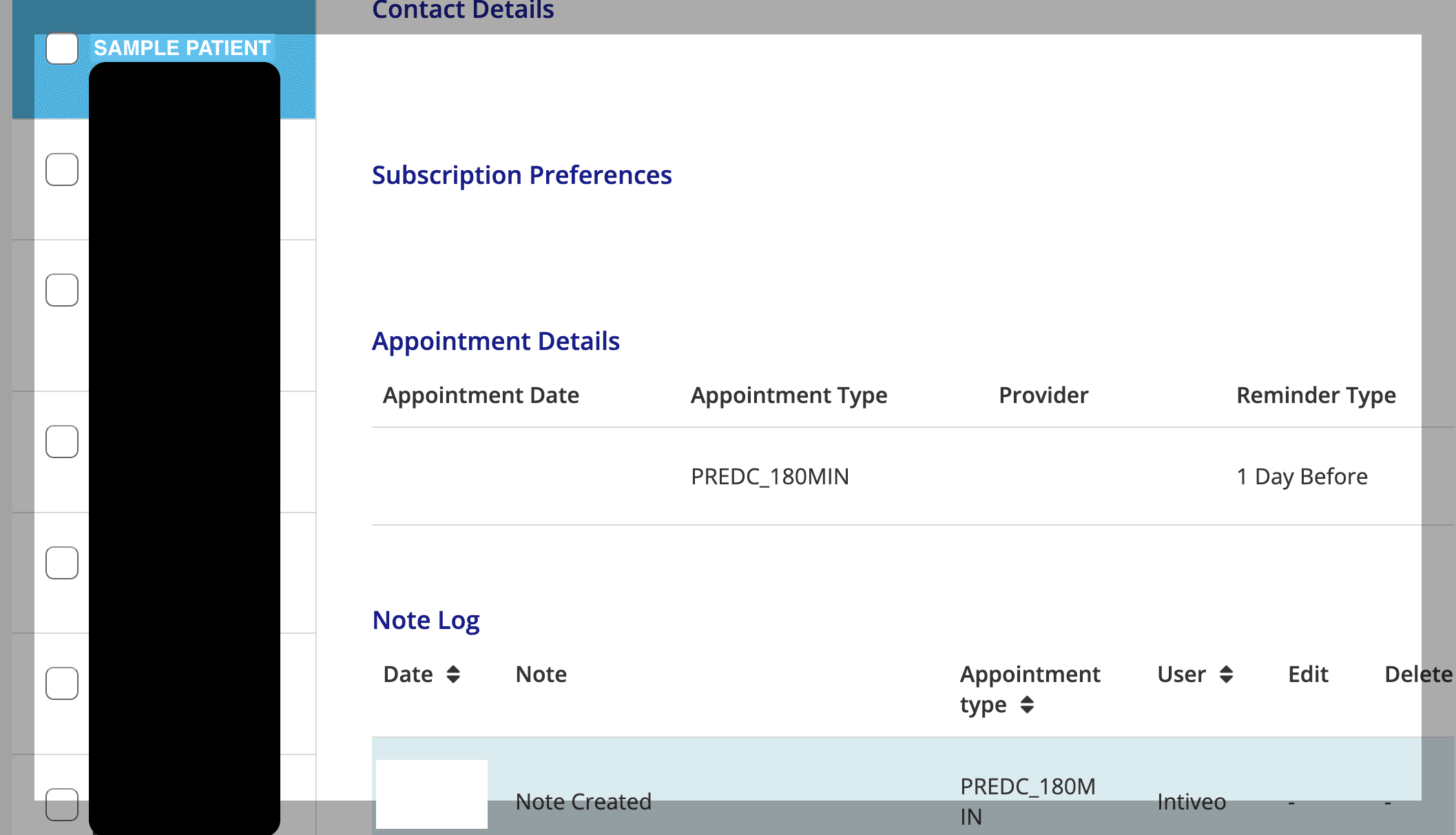
In Intiveo, cycle to your practice and check out your Dashboard. There’s an unconfirmed number right there that links to a log of those unconfirmed patients, allowing your team to easily identify and communicate with them. Clicking on a patient shows their profile and a log of all communication sent to them.
Tip #2 – Profiles and passwords everywhere! Chrome can help sync all of it so it is remembered for you. Whenever you sign into Chrome on a device, those passwords, bookmarks, and history will be available. *This should only be used on a private computer, like your office workstation.*
Categories Google Drive, intiveo