Tech Tuesday – January 3 (2023!): New Year, New Implant Workflow, New Organization Tips for Google Calendar
TechTuesday
A weekly tip email from your neighborhood Instructional Technology and eHR team.
Welcome back!!!!!
Tip #1 – Remember it’s 2023 now!
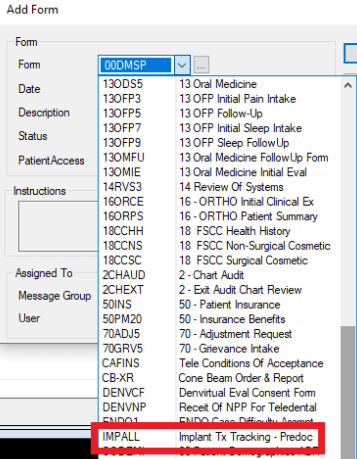
Tip #2 – There is a new Implant Workflow for grant predoc cases. Any new implant cases should use the new Implant Tx Tracking – Predoc Form.
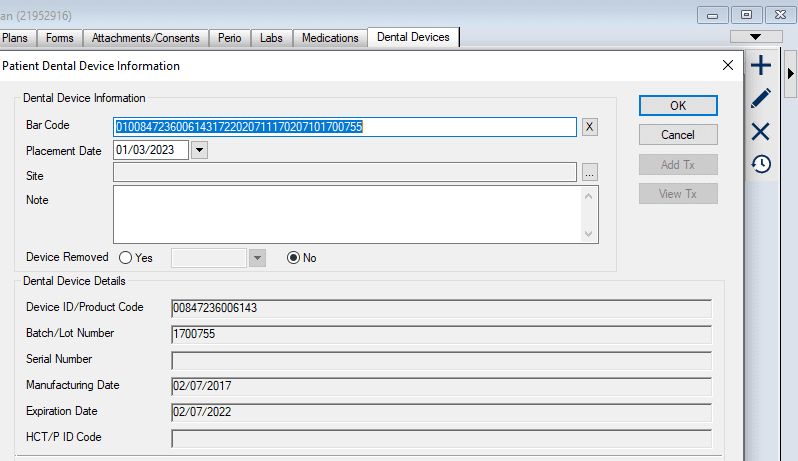
Additionally, when parts are actually placed in a patient’s mouth, track them with the newly available Dental Devices tab in axiUm>EHR. Click the + sign and scan the QR code on the packaging. axiUm will automatically fill in all of the details. Scanners are in Perio and Oral Surgery. Student scanners are available from Douglas Dispensing.
Here is an Implant Workflow training recording
Tip #3 – “If you don’t control your calendar, it will control you.” – A wise individual
It’s 2023 and one of your goals may be to improve organization and you can start with organizing your calendar. The next few weeks will have tips around Google Calendar.
You can access your calendar at calendar.google.com or by clicking the 3×3 dot menu in the top right of your browser when you’re already in any Google account page.
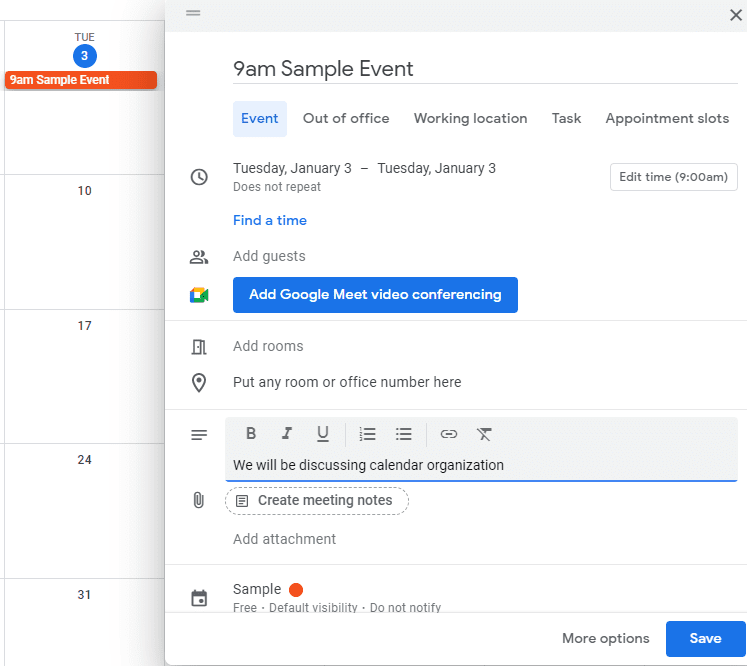
Starting with the basics, you can quickly add an event to any calendar you have access to by single clicking on a date block. Here, I single-clicked on January 3. An event information box pops up where you can enter details about that calendar event. We will get into those details later. You can easily add a time by typing it in (9am, 10am, 3pm, 1-2pm, 2-4pm). Remember to click Save. Now go organize your calendar!