Tech Tuesday – December 13: Left-Clicking on an Image in MiPacs & Categories in the Tech Blog
TechTuesday
A weekly tip email from your neighborhood Instructional Technology and eHR team.
Tip #1 – If you’re like us, on multiple occasions, you’ve left-clicked on a miPacs image and tried to drag it, only to adjust exposure or contrast. Here’s what’s going on:
- To adjust the exposure, left-click hold, wait a second and then drag to the left/right.
- To adjust the contrast, left-click hold, wait a second and then drag up/down.
- To drag an image, left-click hold, and immediately drag.
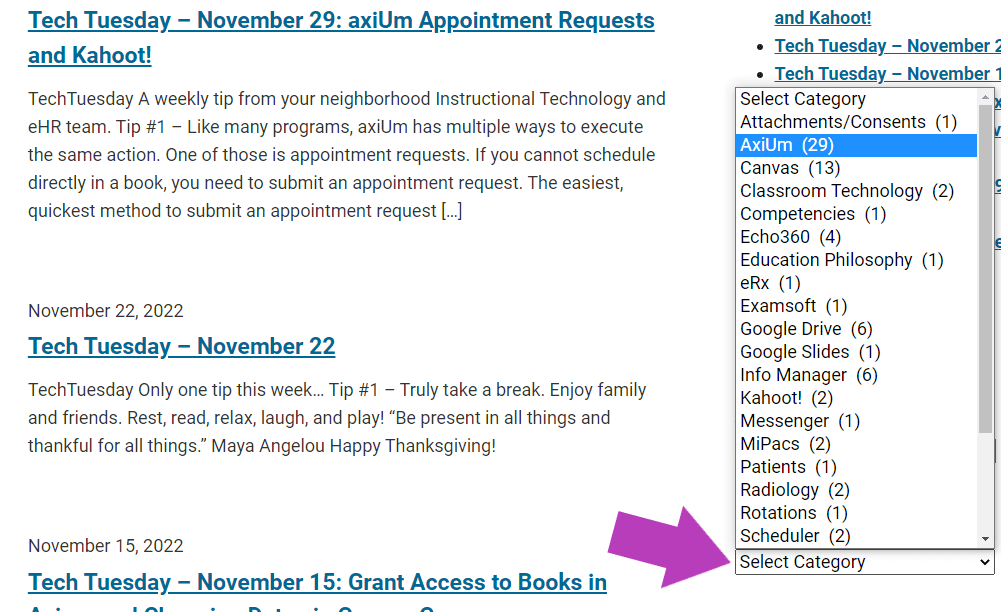
Tip #2 – This is a TechTuesday tip…..about TechTuesday. You may have noticed that little link below that takes you to our IT blog with all of the terrific TechTuesdays that we’ve had thus far. Now, you can more easily find posts by category!!!!!!