Tech Tuesday – May 2: Ways to Request Help from the VCU Dental I.T. Department
TechTuesday
A weekly tip email from your neighborhood Instructional Technology and eHR team.
Yes, only one tip today!
Tip #1 – “Ah! I need help! What should I do?!” First, remain calm. Second, remember T.E.C.H.
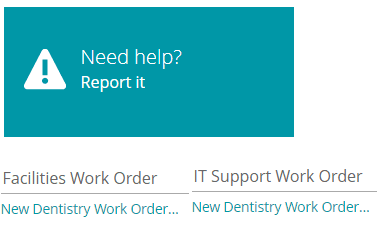
Ticket – Submit a ticket. You can do that at support.dentistry.vcu.edu. There you can submit an IT ticket and a facilities ticket. This link is also on the Intranet.
Email – If you can’t remember that url, you can email [email protected]. This will automatically create a ticket.
Call – For classroom technology or EHR help, call 828-9352. For hardware or other software help, call 628-7444.
Holler – Ok, don’t actually just yell for help, but I needed something to spell “TECH,” but hey, if all the other options aren’t possible, give it a try  .
.