Tech Tuesday – November 29: axiUm Appointment Requests and Kahoot!
TechTuesday
A weekly tip from your neighborhood Instructional Technology and eHR team.
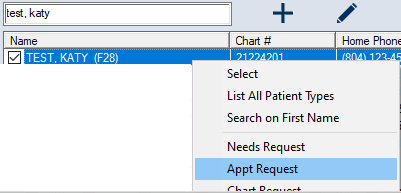
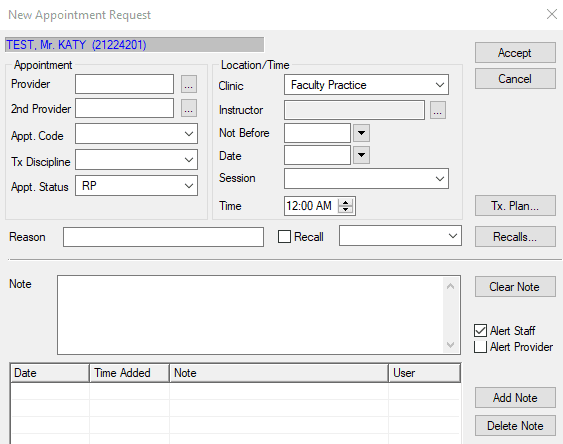
Tip #1 – Like many programs, axiUm has multiple ways to execute the same action. One of those is appointment requests. If you cannot schedule directly in a book, you need to submit an appointment request. The easiest, quickest method to submit an appointment request is simply to search for the patient in Patients (Rolodex) and right click. You will see an “Appt Request” option. Clicking that brings up the appointment request window. Fill in your details and click “Accept.”
Tip #2 – With so much to learn, brain breaks are needed more than ever in classrooms. Why not give your students a break by playing a little game?
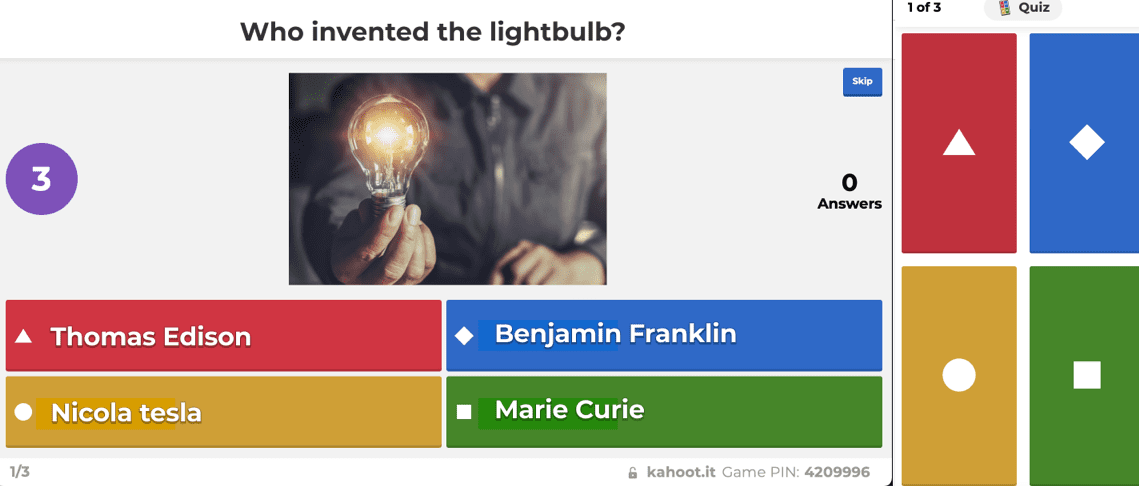
Enter, Kahoot!An online trivia platform that gamifies learning. You can review and quiz material using many different question types; fast-fingered participants get more points! It’s been used around the school and students LOVE IT!
This short video will demonstrate how it works.
Contact us if you would like to try it out!