Keeping Purchase Orders on Track When Work Changes
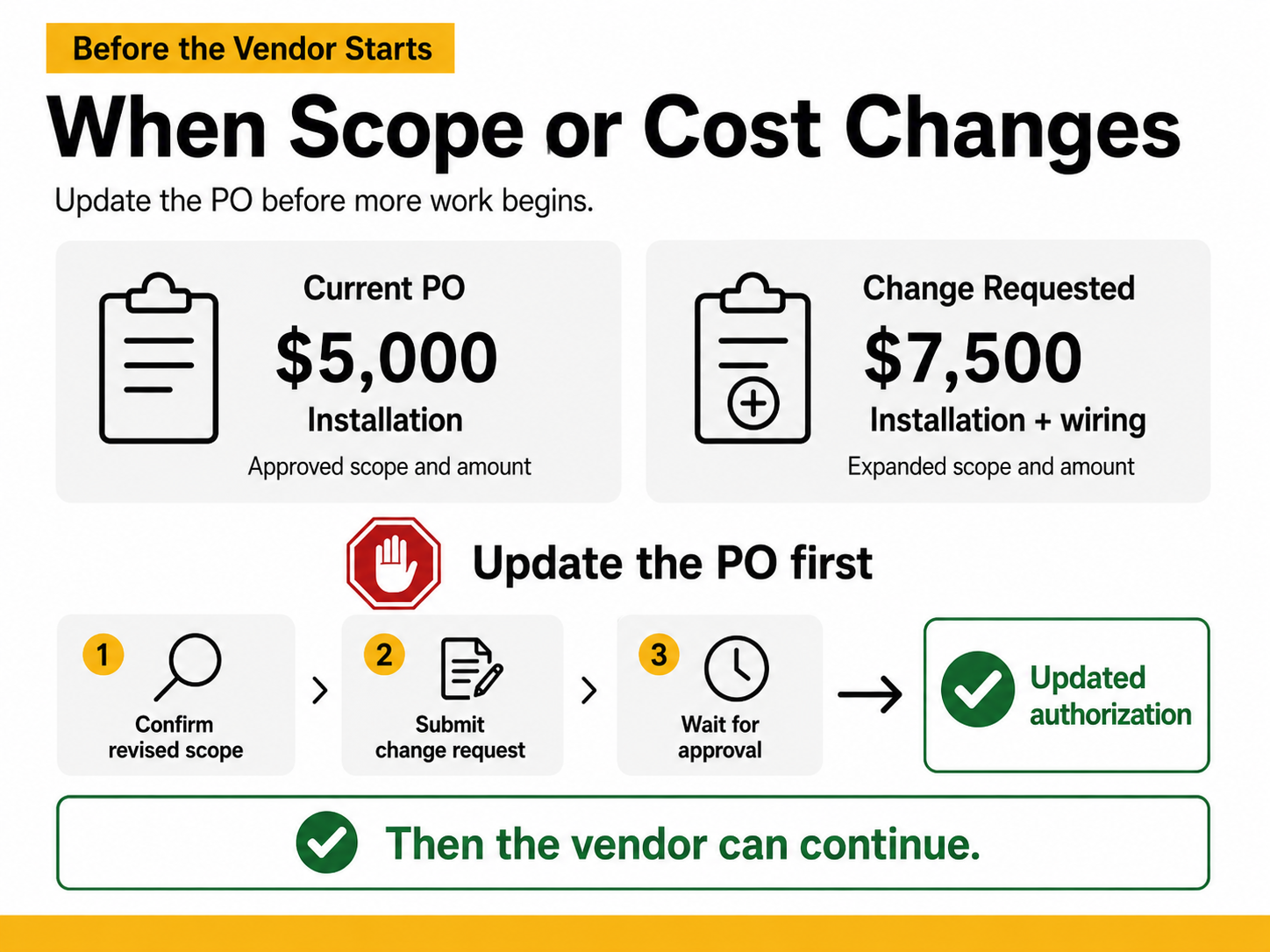
When the Scope or Cost Changes, Update the PO First.
Having a purchase order does not mean a vendor has unlimited authorization to continue working.
The PO covers the approved scope and amount. If either changes, address the change before the vendor performs the additional work.
A common example
A PO is issued for $5,000 of installation work.
During the project, the vendor determines that additional work is needed and provides a revised total of $7,500.
Do not simply tell the vendor to continue and plan to increase the PO when the invoice arrives.
Instead:
- Pause the additional work.
- Confirm the revised scope and cost.
- Submit the appropriate Change Request or other required documentation.
- Wait for approval.
- Then authorize the vendor to proceed.
Why this matters
Work performed beyond the amount or scope of an existing PO can create the same problems as starting work without a PO:
- Additional review and documentation
- Invoice and payment delays
- Unreviewed pricing or contract terms
- Potential nonpayment of unauthorized additional work
- Compliance concerns when the issue is significant or recurring
When planning the original purchase, consider the full anticipated value, including foreseeable phases, renewals or additional work. That can reduce avoidable changes later.
The simple rule
If the work changes, update the authorization before the work continues.
Need help?
For help with RealSource Change Requests, use the RealSource guidance or contact [email protected] or University Purchasing at [email protected] .
Related guidance
- Do I Need a Change Request?
- How to Make Common PO Changes in RealSource
- Keeping POs Clean: Best Practices in RealSource
- Timely Receiving: Keep Payments Moving
- How to Check Invoice and Payment Details in RealSource