Using Placeholder Requisitions to Request RFPs and Other Solicitations
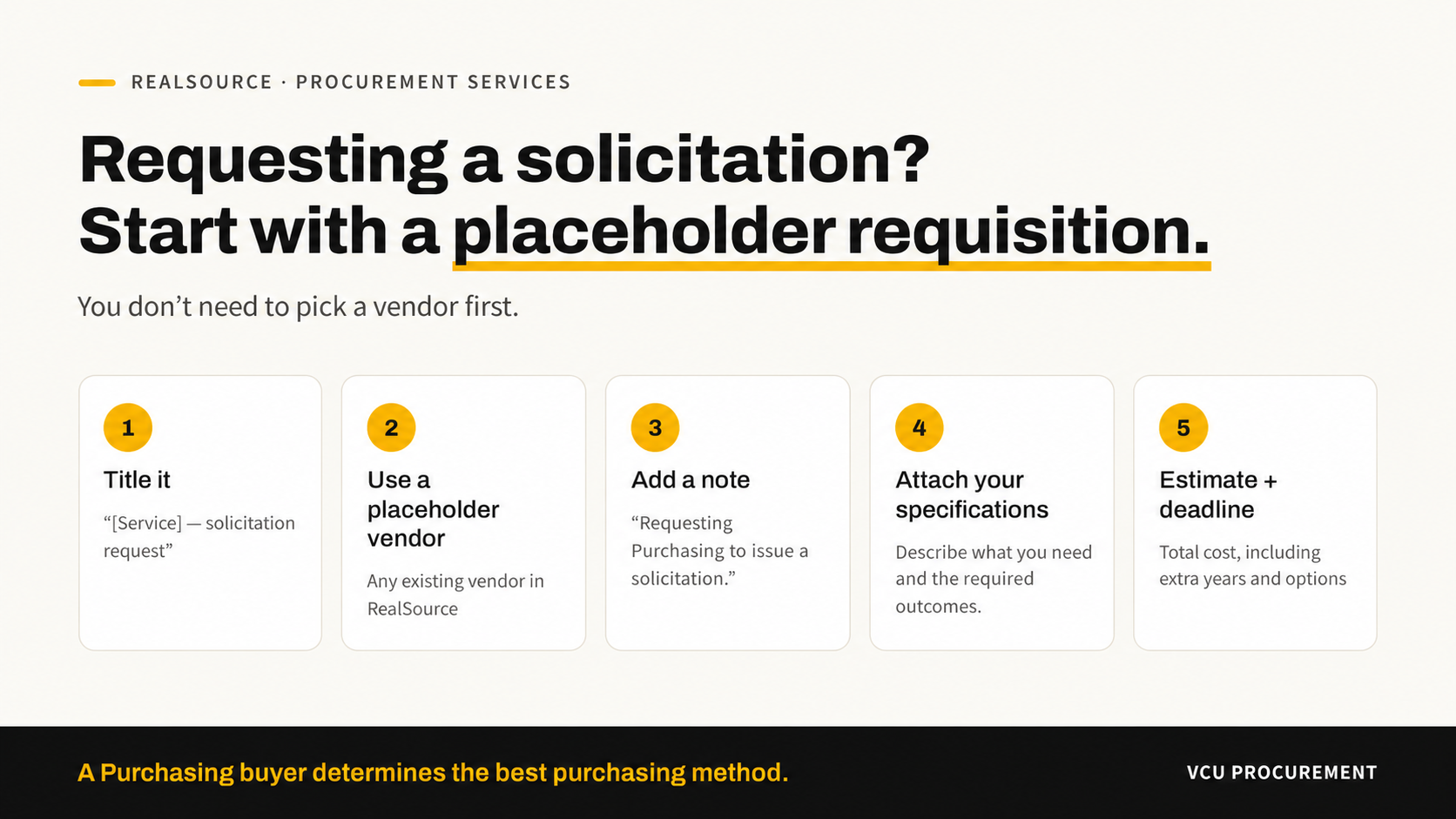
If you need Purchasing to run a competitive solicitation, such as an RFP, start by submitting a requisition in RealSource. You do not need to select a vendor first.
Why a requisition comes first
A requisition is your request for Purchasing to begin work. It is not a solicitation or a purchase order. It gives Purchasing a number to track the work from start to award. RealSource requires a vendor on every requisition, so enter any existing vendor as a placeholder. After the solicitation and award, Purchasing will either update the vendor or return the requisition to you unprocessed.
What you need to do
- Title it clearly. For example: “RFP – Placeholder – [Service name].”
- Choose a placeholder vendor. Any existing vendor works.
- Add a note. In the internal notes, write: “This is a placeholder requisition. Requesting Purchasing to issue a solicitation type.”
- Attach your requirements. Attach a statement of needs/specifications.
- Share your estimate and deadline. Give your best estimate of the total cost, including and tell us your deadline. Be sure to make the requisition total amount more than 10k to ensure it routes to Procurement.
What happens next
Once the requisition reaches Purchasing, a buyer will work with you to choose the right method, this may include utilizing a cooperative contract or contracts that may be in place.
Need help?
- Read Before You Submit a Requisition in RealSource
- Place a service ticket
- Register for our Virtual Office Hour