Zoom’s New Look Coming Aug. 10
As noted in an earlier post, Zoom’s web interface is being updated for users worldwide. At VCU, we’ll be moving to the new look on August 10 to give everyone a chance to familiarize themselves with the redesign before the start of Fall classes.
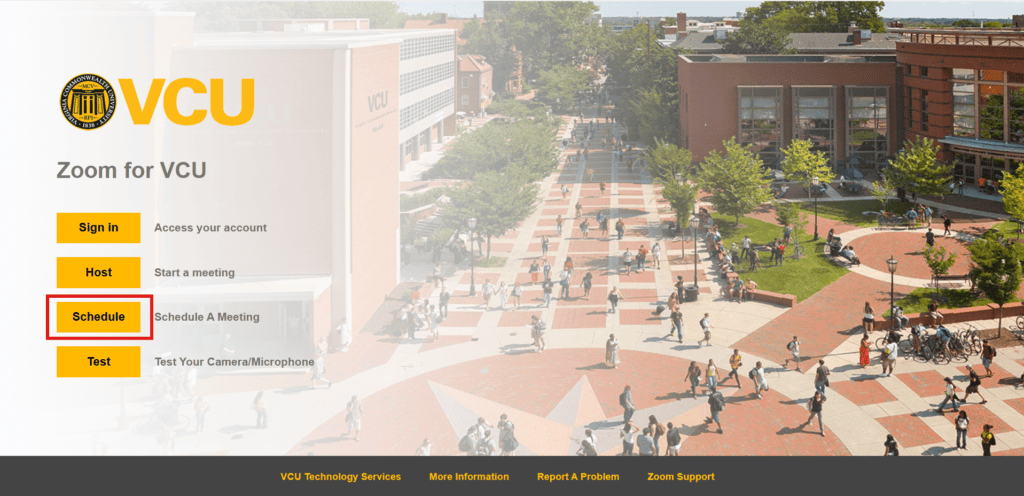
The sign-in portal at vcu.zoom.us remains the same, except for the recently added “Schedule” button that takes you directly to the “Meetings” page where you can see and add to your schedule of upcoming events.
The biggest change is the new “waffle” icon at the top right corner of every page, next to your profile picture.

Use this button to access all your features including Meetings, Whiteboards and Polls.
Click on your profile picture to access your Account Settings including security features like Waiting Rooms and Passcodes, as well as links to all your saved recordings, transcripts and reports.
On your first sign in, Zoom will present you with a brief tutorial and guide you through the new workflow. You should find it fairly straightforward and easy to adjust to, but if you need help please don’t hesitate to reach out to us at [email protected], or schedule a virtual help session with a member of our team.
Categories announcements