VCU Link Explained: Getting started
VCU Link is the largest professional networking space that is home to over 10,000 VCU alumni— it’s your one-stop shop for career exploration and advancement.
The VCU Link Explained series walks you through the platform and shows you how you can reach your career goals with this exclusive resource. In the first article, you’ll learn what you can expect during signup.
Step 1
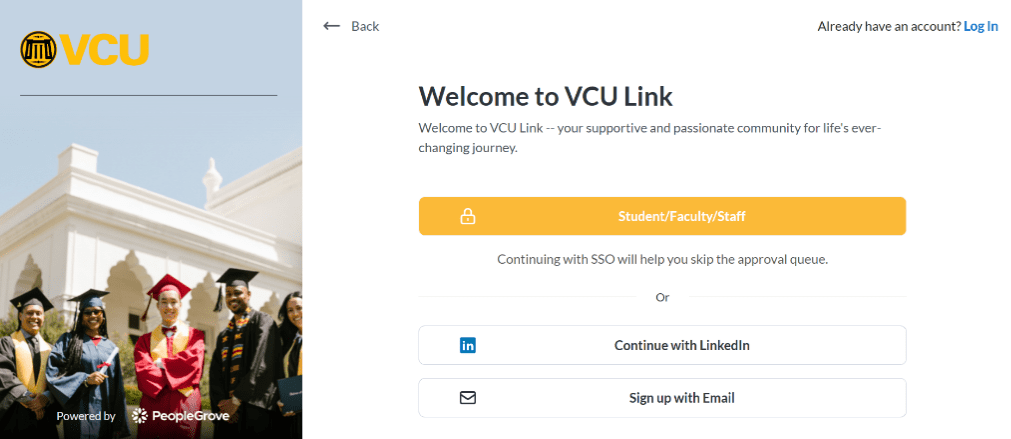
Start on the VCU Link landing page and click Join Our Community or Sign In to choose your signup method — Continue with LinkedIn or Sign up with Email.

Step 2
Add basic info (name, email and password) and agree to terms of service. If you create your account using LinkedIn, you will get step-by-step instructions on how to upload your work experience directly to your VCU Link account.
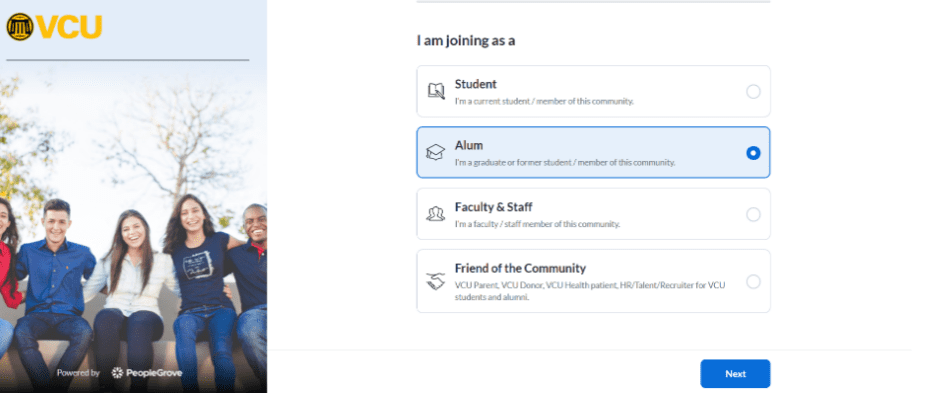
Step 3
Next, select your user type (Student, Alum, Faculty & Staff, or Friend of the Community). If you are a current student and have already graduated from VCU, sign up as an alum.
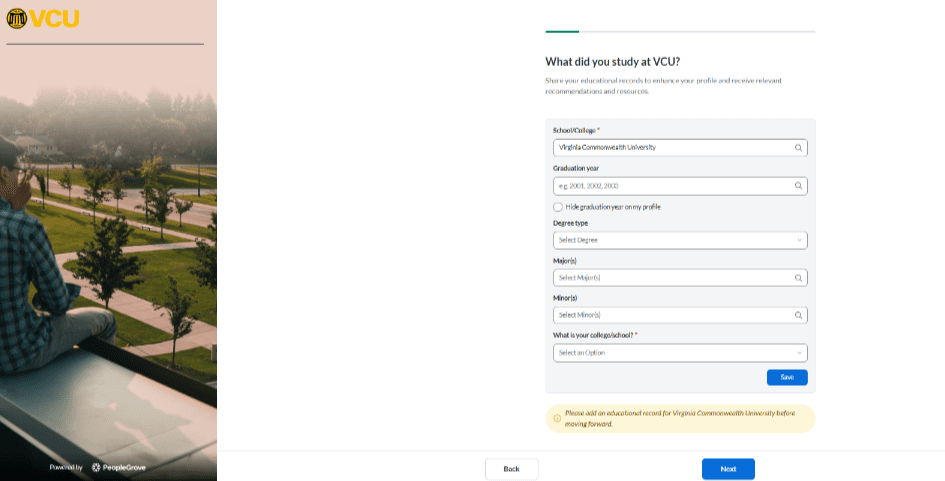
Step 4
Next, provide details about your academic background, including your degree type, major and graduation year.
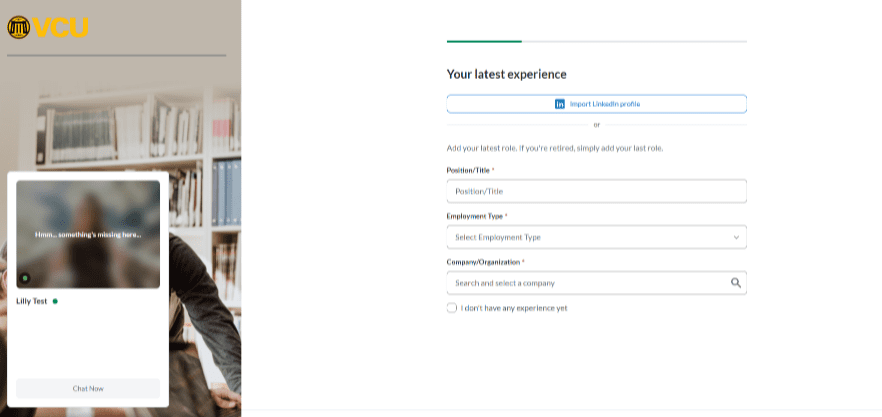
Step 5
Then, add your latest professional experiences. You can import your LinkedIn Profile to save time.
Step 6
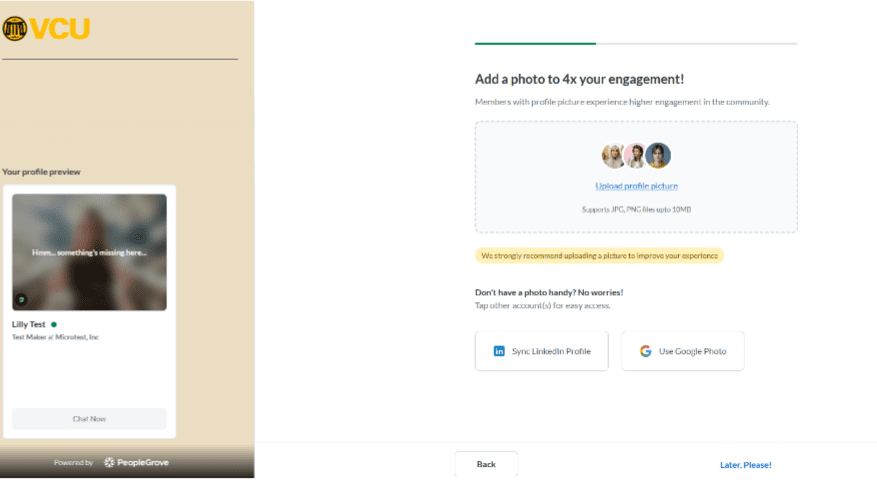
Upload a profile photo.
Step 7
Next, add the topics and industries that you are experienced with and can help students and fellow alumni with. You can input your availability to manage outreach.

Step 8
Next, to help discover relevant connections and opportunities, add information such as your date of birth, activities you were involved with as a student, what affinity groups you identify with and your current location.

Step 9
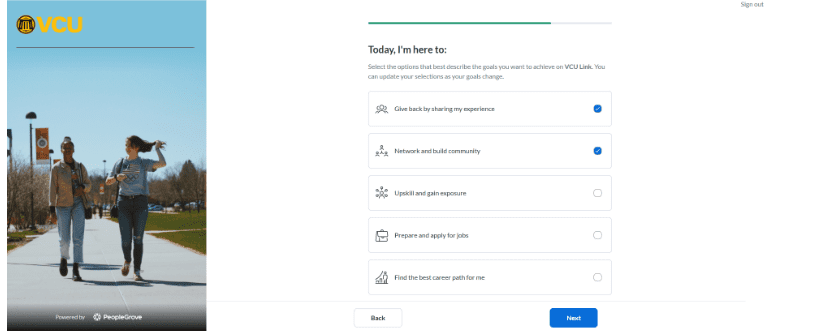
Lastly, add your goals for using the platform. This helps shape your experience with personalized recommendations and suggested actions.
Your account setup is complete! Now you can start browsing exclusive job opportunities, find alumni at your dream company/ dream role, explore professional development and volunteer events or find or offer mentorship.
Categories Alumni