New Features in VoiceThread
VoiceThread has greatly improved their assignments feature to make it easier for student submissions and to minimize the issues with students forgetting to share their VoiceThread with their instructor. The Timeline According to the VoiceThread Transition Plan for New Assignments: October 19, 2020: Instructors can enable new assignments for their courses individually, and institutions can […]
Sharing your iPhone During a Zoom Meeting
Have you ever wanted to demonstrate a health assessment technique to your class during a synchronous Zoom session? Well, it is possible share your iPhone screen with your Zoom desktop client so that you could use your camera to demonstrate taking a pulse, for example. How do you do that? Make sure you have the […]
Training for Canvas
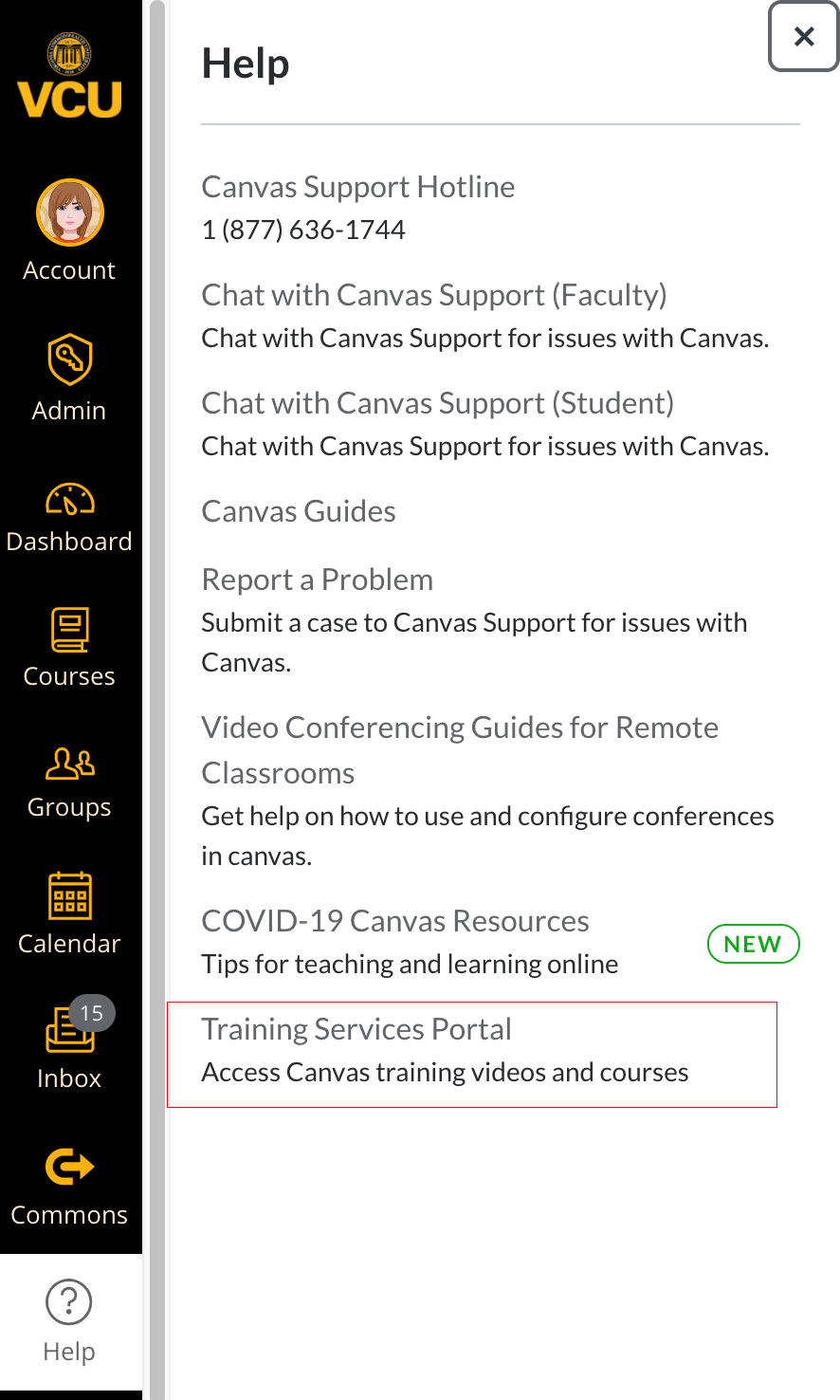
There are a number of different training options for making the switch to the Canvas Learning Management System. Training Services Portal One option is the Canvas Training Services Portal. This is an additional service that was provide for by VCU that allows you to access multiple webinars on a daily basis on all things related […]
How do I organize my Canvas Dashboard?
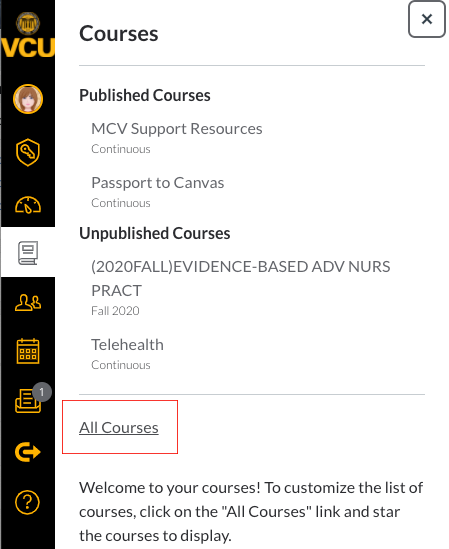
When you have an account with more than one Canvas course, you can customize your Dashboard so that specific courses display. You can always see all of your courses by clicking the courses icon and all courses. Using favorites is highly recommended so that you can make sure that you are posting content in the […]
How to Host Zoom Meetings in Canvas
Just like the tool that allows you to host Zoom meetings in Blackboard, Technology Services has implemented the same tool in Canvas.
Recording Zoom Meetings or Classes
If you are using Zoom to record your classes or meetings, you may want to record the meeting for participants to view at a later time. The handout below shows how to record the Zoom meeting to your computer and how to upload that recording to Kaltura streaming playback in Blackboard.
Zoom and Polling
Do you want to make your synchronous session more interactive? Try Zoom Polling. Notes about polling: You can create polls in advance of the meeting. You can create multiple polls per meeting. Each poll can have multiple questions. For more information about using Zoom Polling, download the document below.
Zoom and Breakout Rooms
Do you want to make your synchronous session more interactive? Try Zoom Breakout Rooms for student groups. Notes about breakout rooms: If the meeting is being recorded locally, it will record the room the participants who is recording is in. Multiple participants can record locally. There are a maximum of 50 breakout rooms per 200 […]
How to Use Kaltura to Create a Lecture
The attached documentation steps you through the process of installing the Kaltura software, using Kaltura to record lectures, and adding those recordings to your Blackboard course. Where can I record? You can record in the Faculty Multimedia Room (3014) or on your own computer. Kaltura runs on Windows and Mac. Use the instructions below to […]
Students Downloading Kaltura Videos on an iPhone or iPad
A number of students have reported the “It seems your browser is blocking 3rd party session cookies which are required for the Kaltura application. To resolve this issue, please update your settings to allow 3rd party cookies.” To address this issue, please see the handout below for instructions on how you can make the iPhone […]